01
01Choose a photo
Pick an image from your device and let Metaframes read the available camera metadata locally.
Add professional EXIF photo frames and camera metadata to your finished images in seconds.

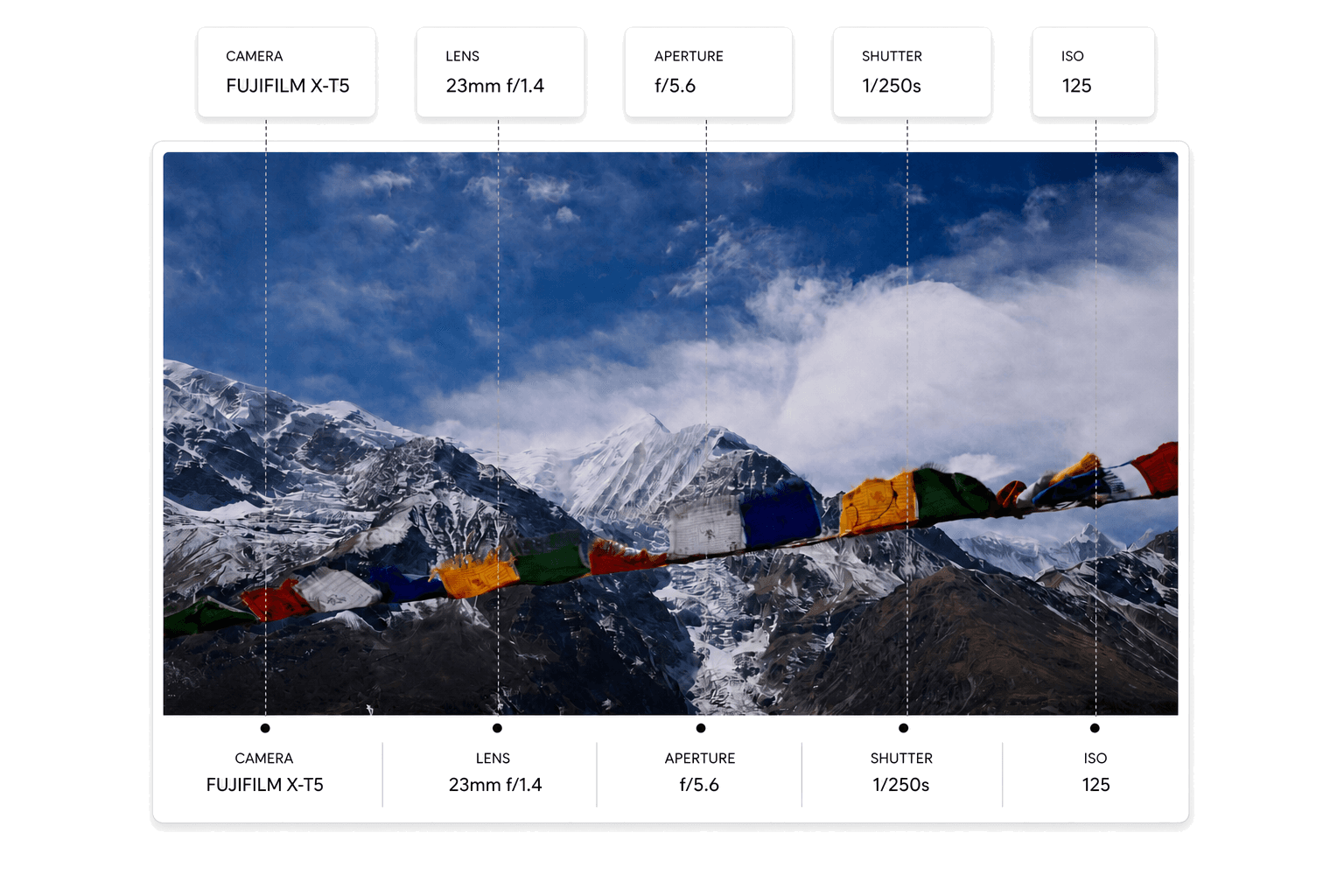
Metaframes is not a full photo editor. It is a precise EXIF photo frame app for presenting the photo and the technical context together.
Pick an image from your device and let Metaframes read the available camera metadata locally.
Select a clean presentation template and decide which metadata fields should appear.
Save the finished frame as JPG or PNG, ready for portfolios, social posts, and client previews.
A glimpse of the layouts available in Metaframes.
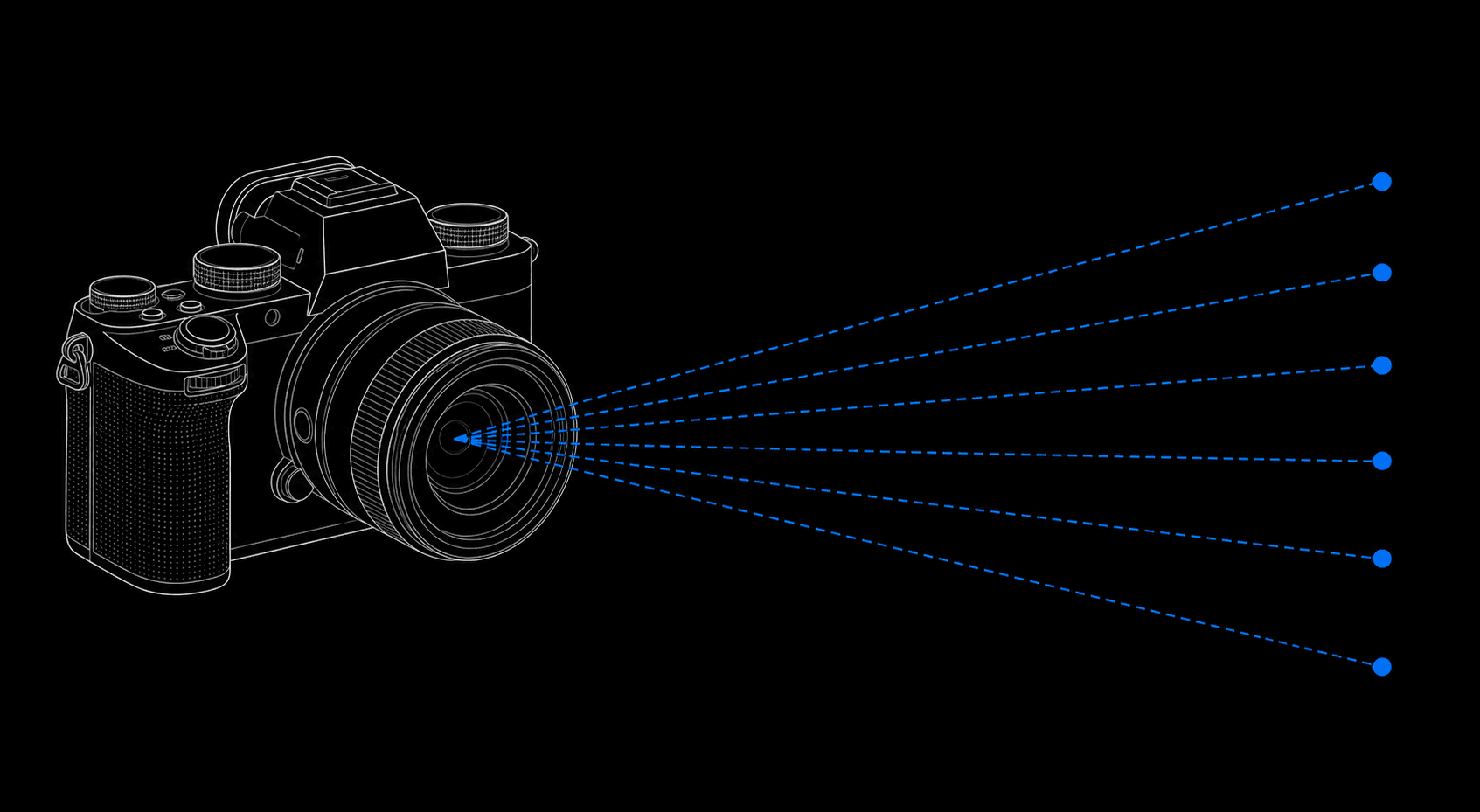
Reads camera, lens, date, time, aperture, shutter speed, and ISO from your photo.
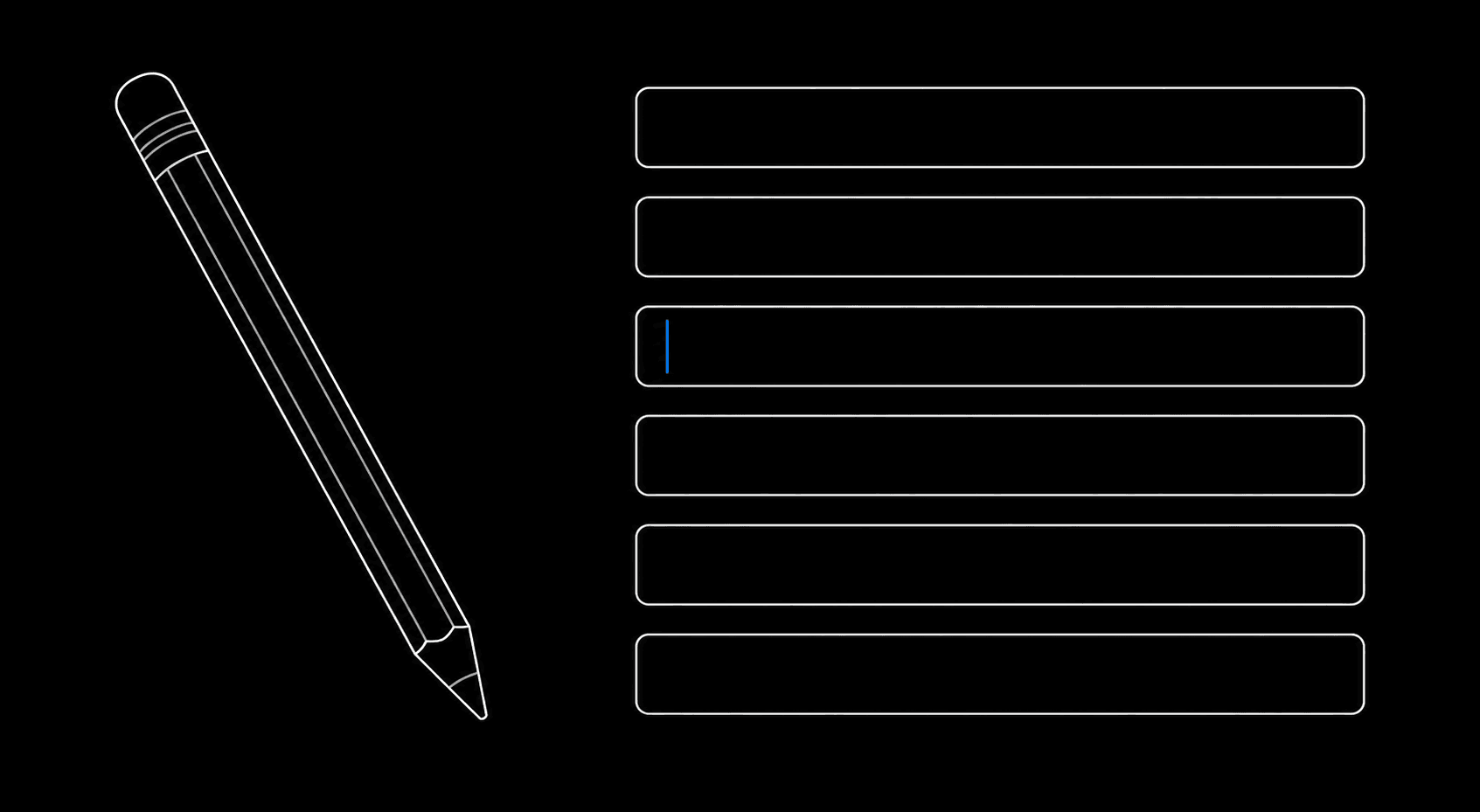
Adjust or complete missing EXIF fields before export.
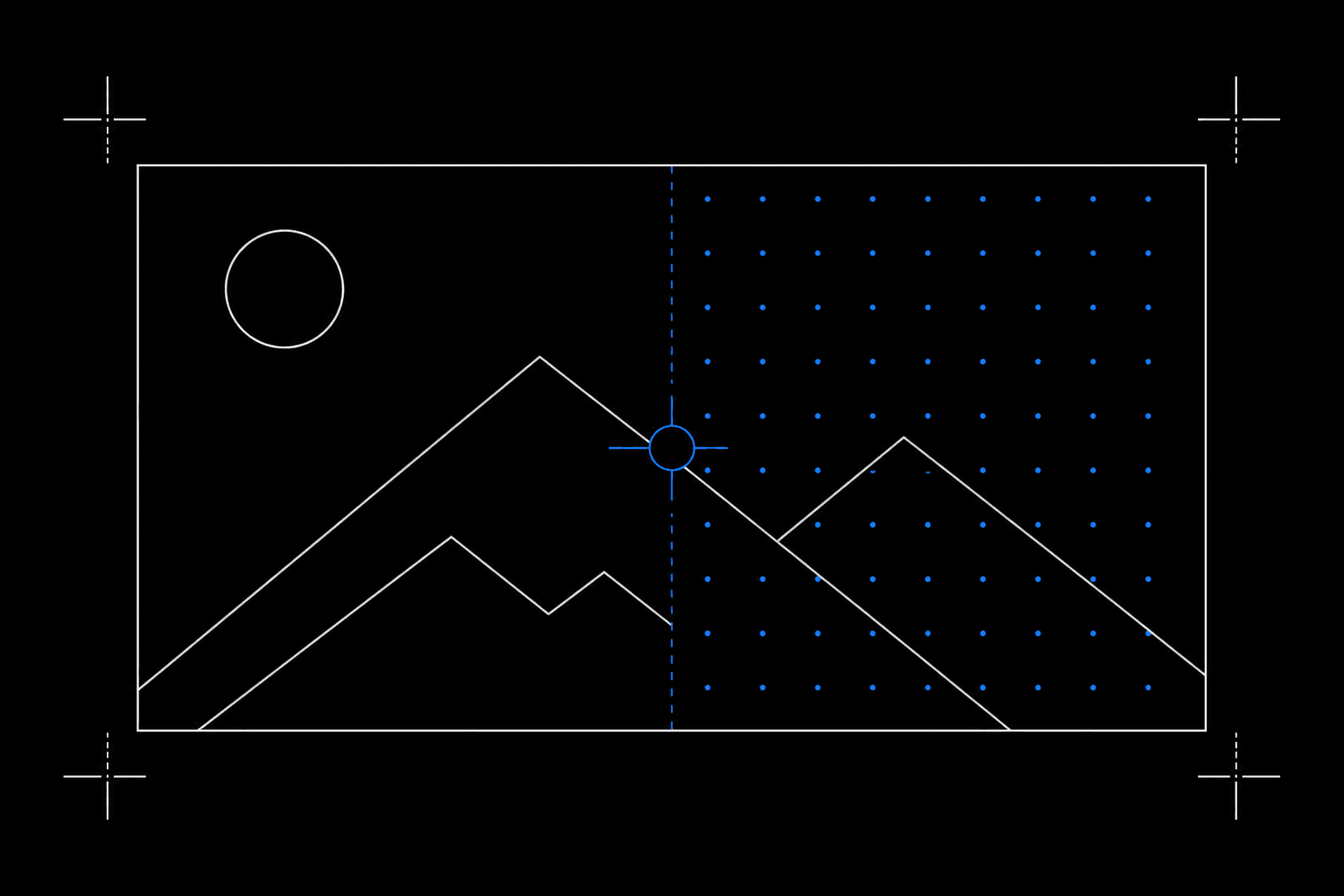
Curated templates across light, dark, and overlay styles.
Export-ready files for portfolios, social posts, client previews, and archives.

Everything runs on device. No account or cloud required.
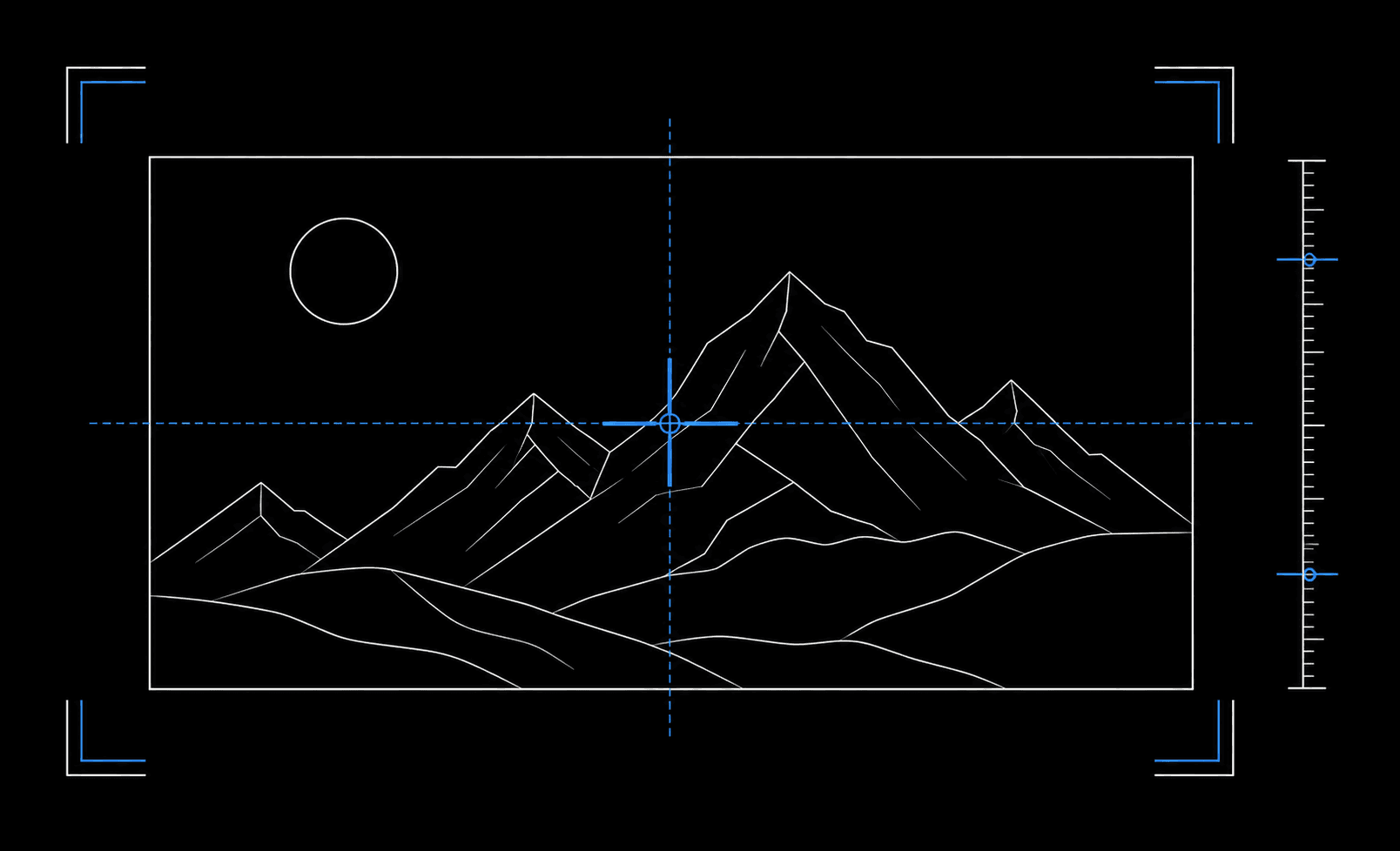
A focused workflow to import, review or edit metadata, and export a polished EXIF photo frame.
Photography guides
Practical Android guides for creating EXIF frames, choosing an app, and sharing photo metadata intentionally.
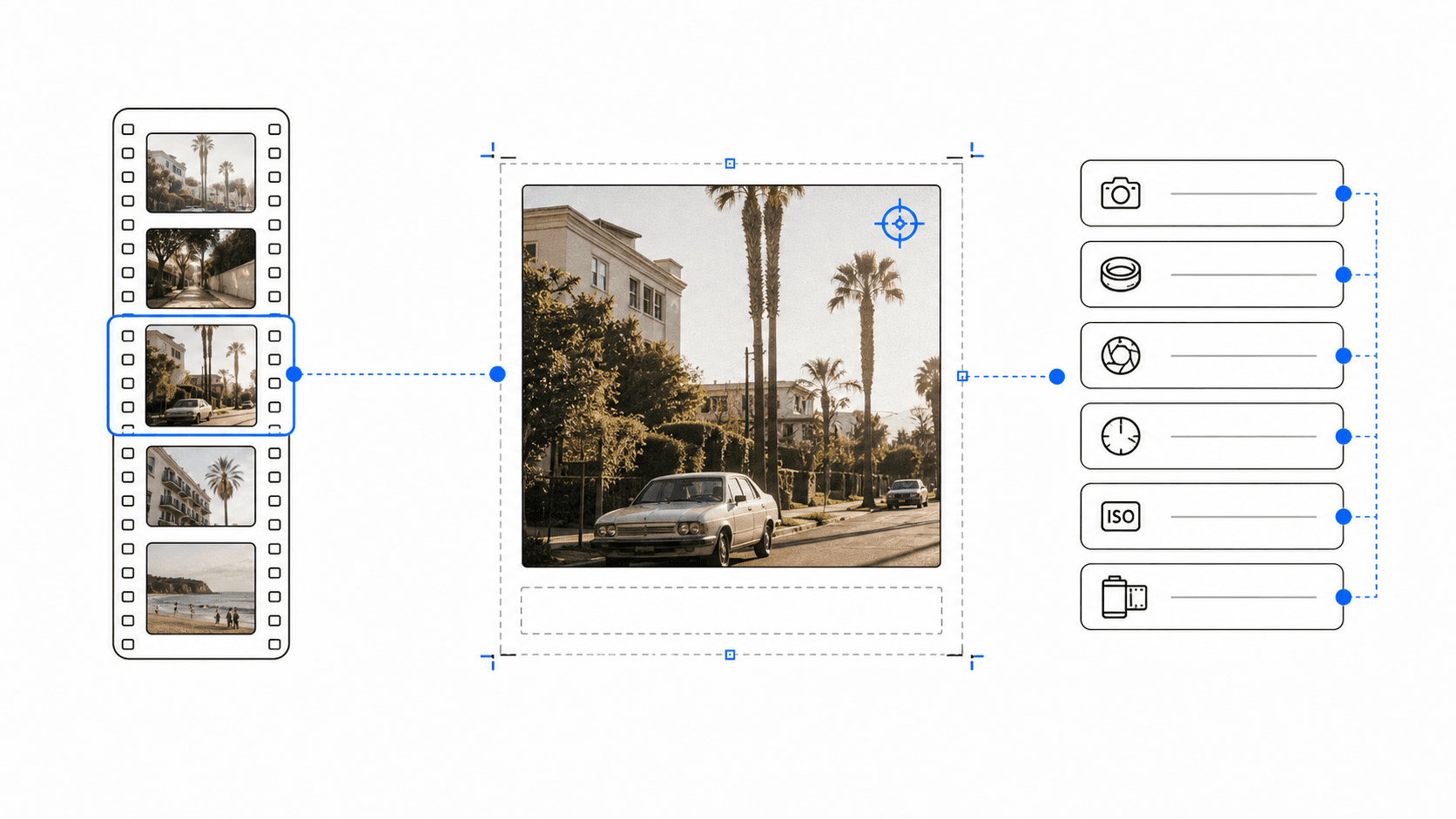 7 min read
Turn a finished film scan into a clear, shareable photo frame by manually adding the camera, lens, aperture, shutter speed, ISO, date, and time on Android.
Read guide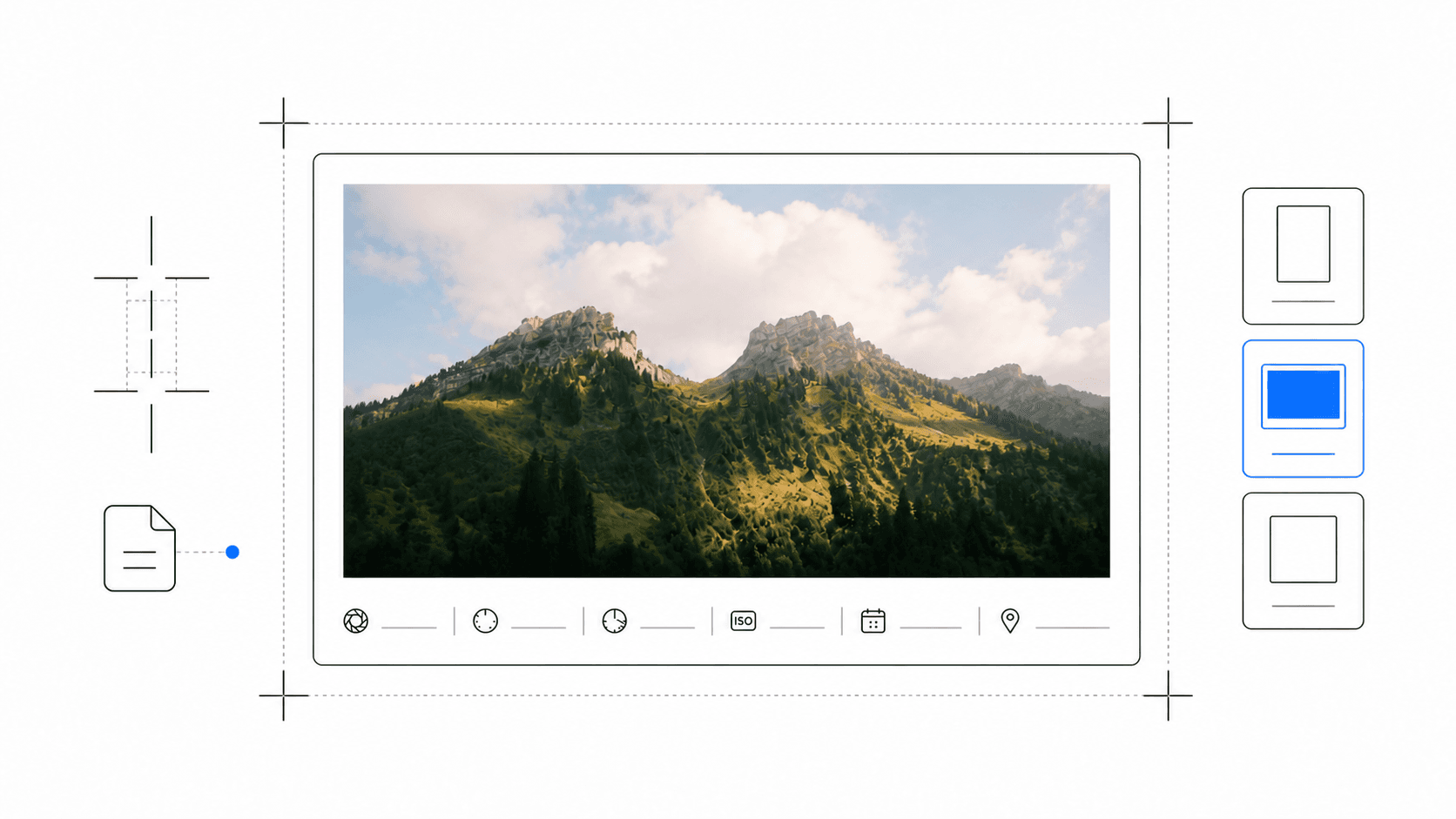 8 min read
Create a polished EXIF photo frame for a photography portfolio: choose the right metadata, layout, spacing, and export format for work that is shared beyond social media.
Read guide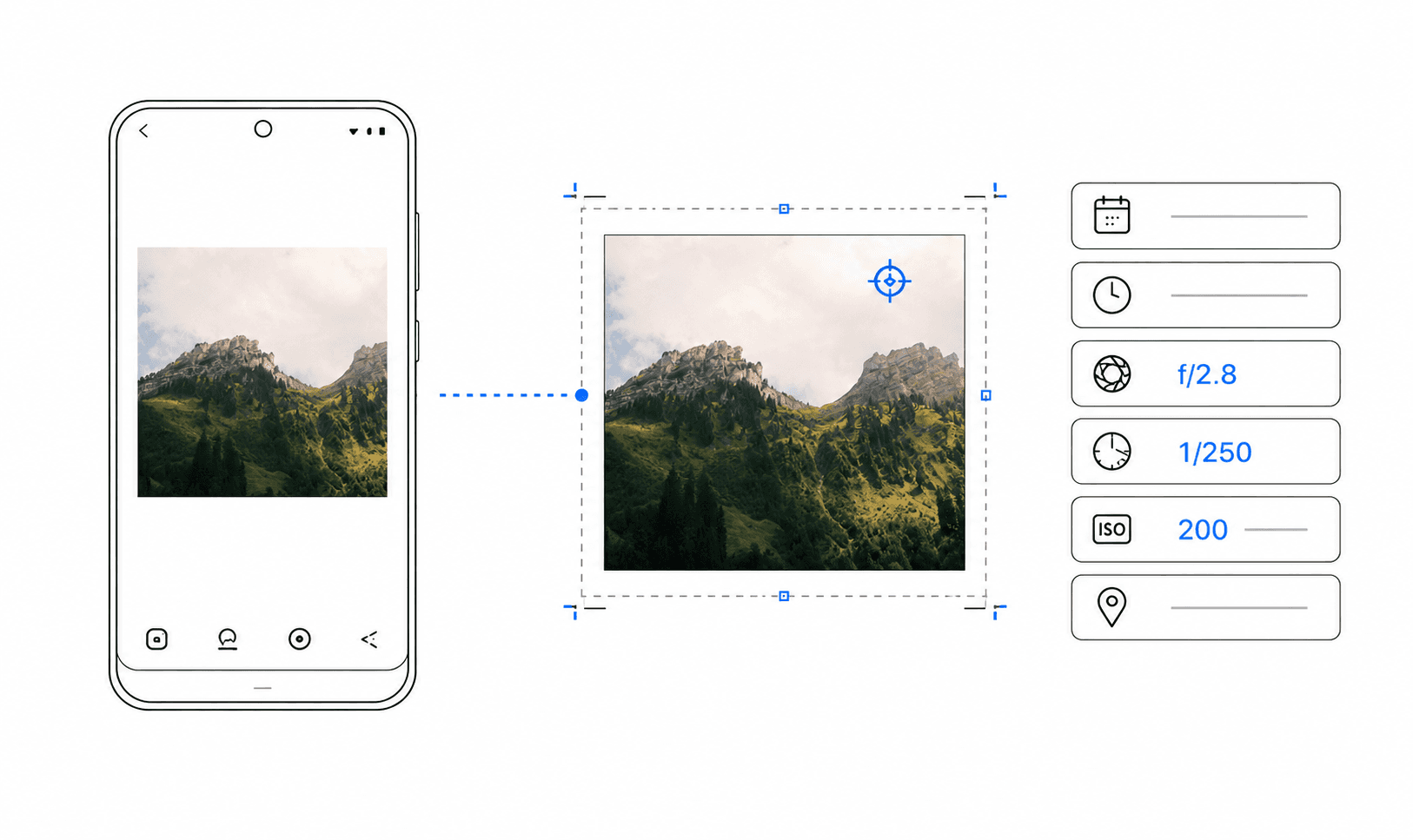 6 min read
Learn how to add camera, lens, aperture, shutter speed, and ISO to a photo on Android and export a clean EXIF photo frame.
Read guidePractical answers for photographers who want clean metadata frames without accounts, uploads, or unnecessary editing steps.
The final frame for your best work.
Preserve the metadata that matters and export
photo frames that are ready to share.
14 May 2024 · ISO 100 · 35mm · f/5.6